Pulled to a unit that isn't yours
Open the category for that specialty and get the lay of the land. The structure is identical everywhere, so you're not learning a new app on top of a new floor.
Organized by specialty, tab, and urgency — reach the card you need in a few taps, and it loads without a connection after you sign in once.
Coming soon to iOS and Android
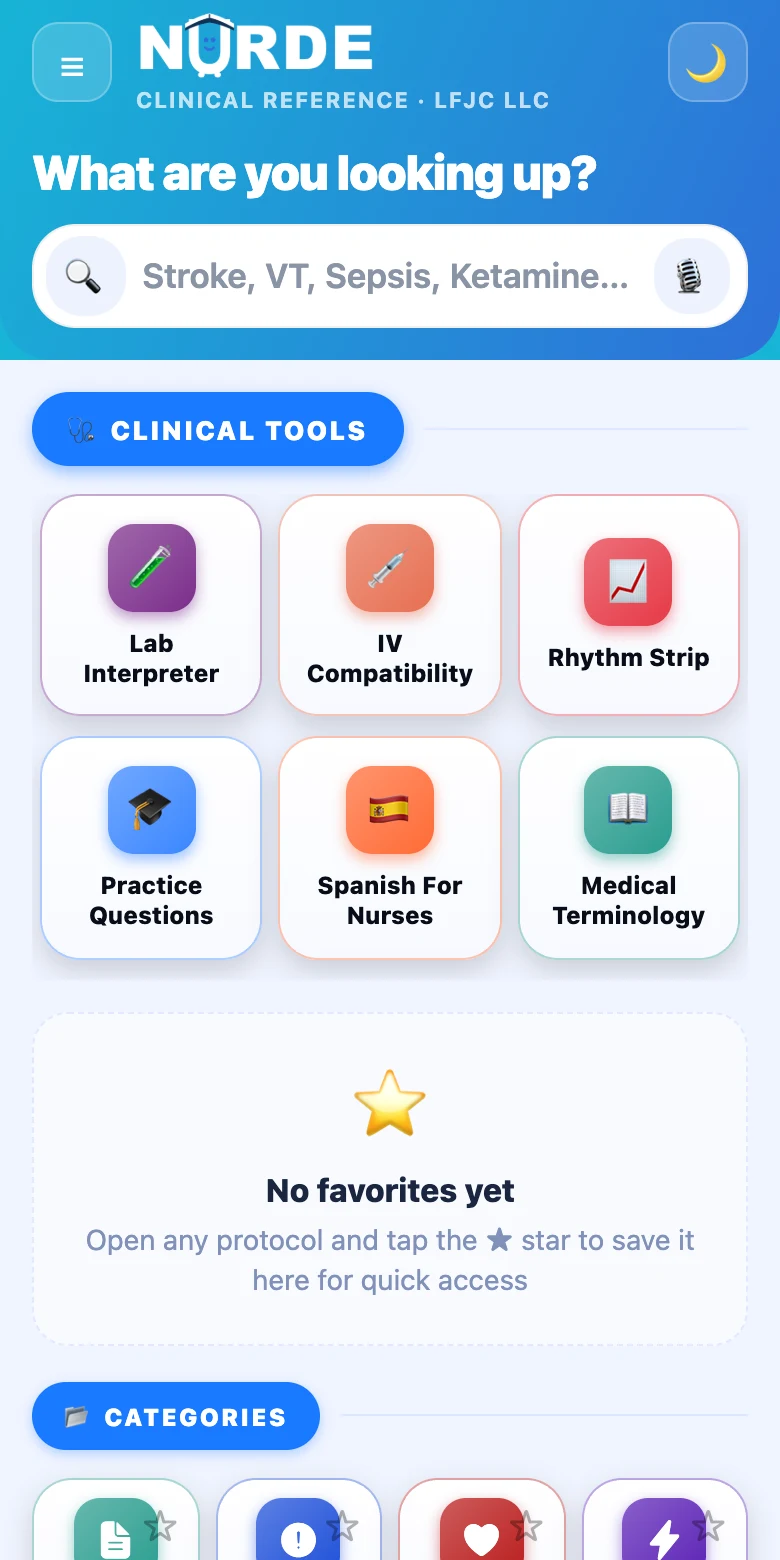
Most reference apps assume you're at a desk with a good connection and time to read. The floor isn't like that. You've got one hand free, a patient in front of you, and the signal cuts out the second you walk into the med room.
NURDE is laid out so the answer is a few taps away — the same structure on every unit, whether it's your home floor or one you were pulled to an hour ago.
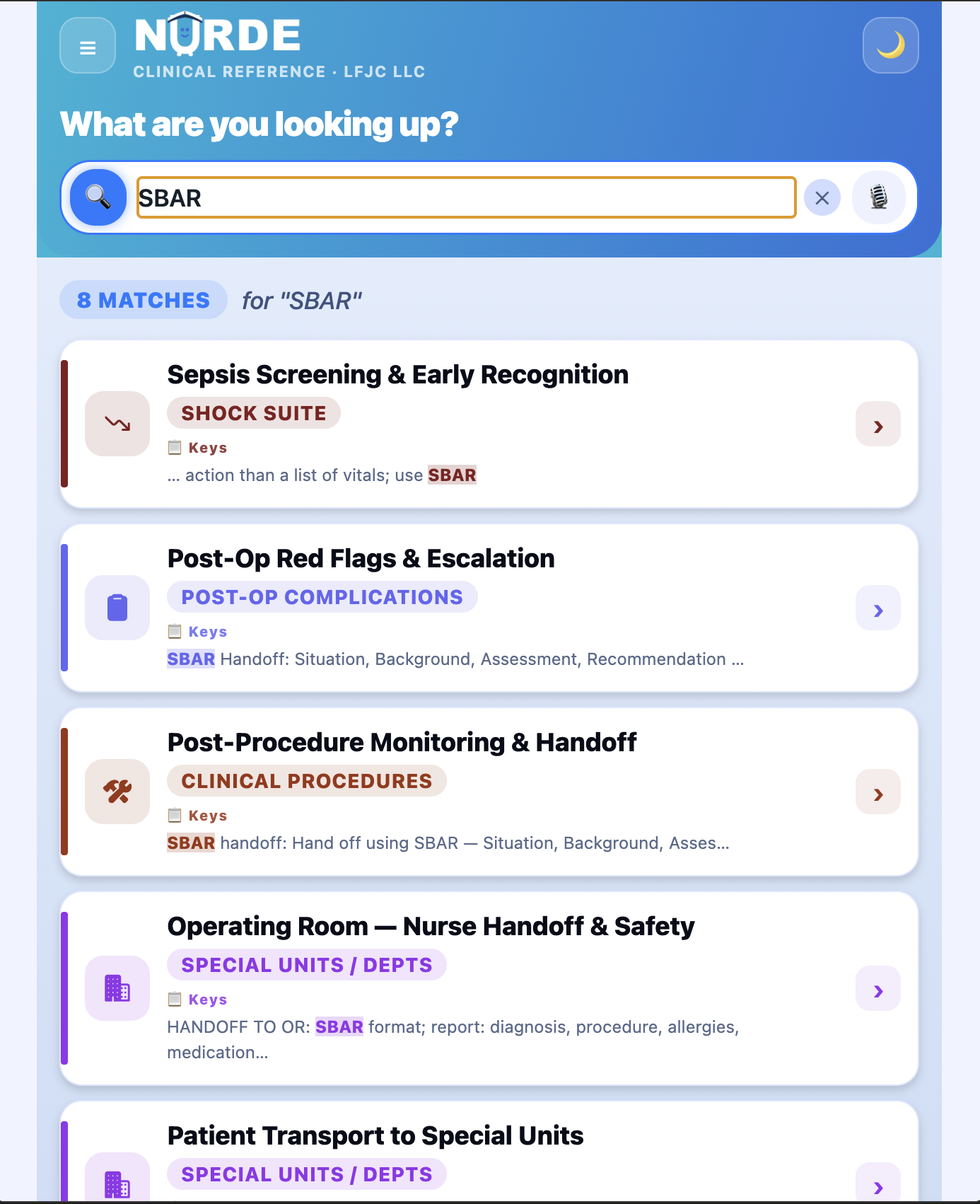
Open the category for that specialty and get the lay of the land. The structure is identical everywhere, so you're not learning a new app on top of a new floor.
Search by name, jump to the tab, read the Quick view. It's built for a tired brain and a short window — get in, get the card, get back to the bedside.
Concrete stairwells, basements, older buildings. After you've signed in once on the app, your reference library loads without a connection — the lookup still works.
Second-guessing yourself is part of it. Every card is sorted by urgency, so what matters most is what you see first — a quick sanity check, framed for study.
The way a nurse actually narrows down a question — not an alphabetical wall of search results. Pick the specialty, choose the tab, and the most time-critical cards sit at the top.
From codes and critical care to med-surg mainstays — labs, drips, wounds, infection, endocrine, GI, and more. 1,300+ reference cards across 25+ clinical categories, each folder built on the identical specialty → tab → card pattern.
Depth is deepest where the shifts are hardest: critical-care and med-surg content is the most built-out today, with more specialties on a published roadmap.
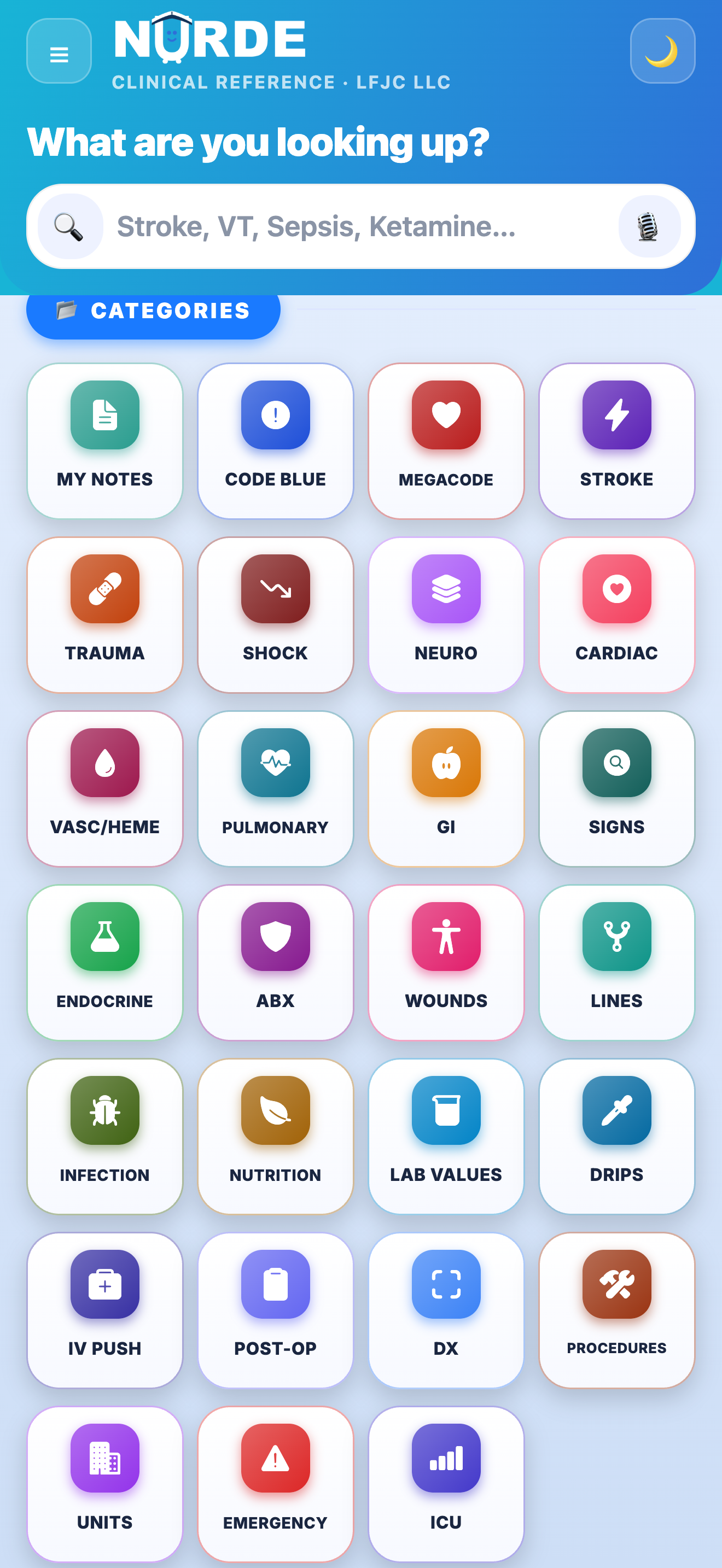
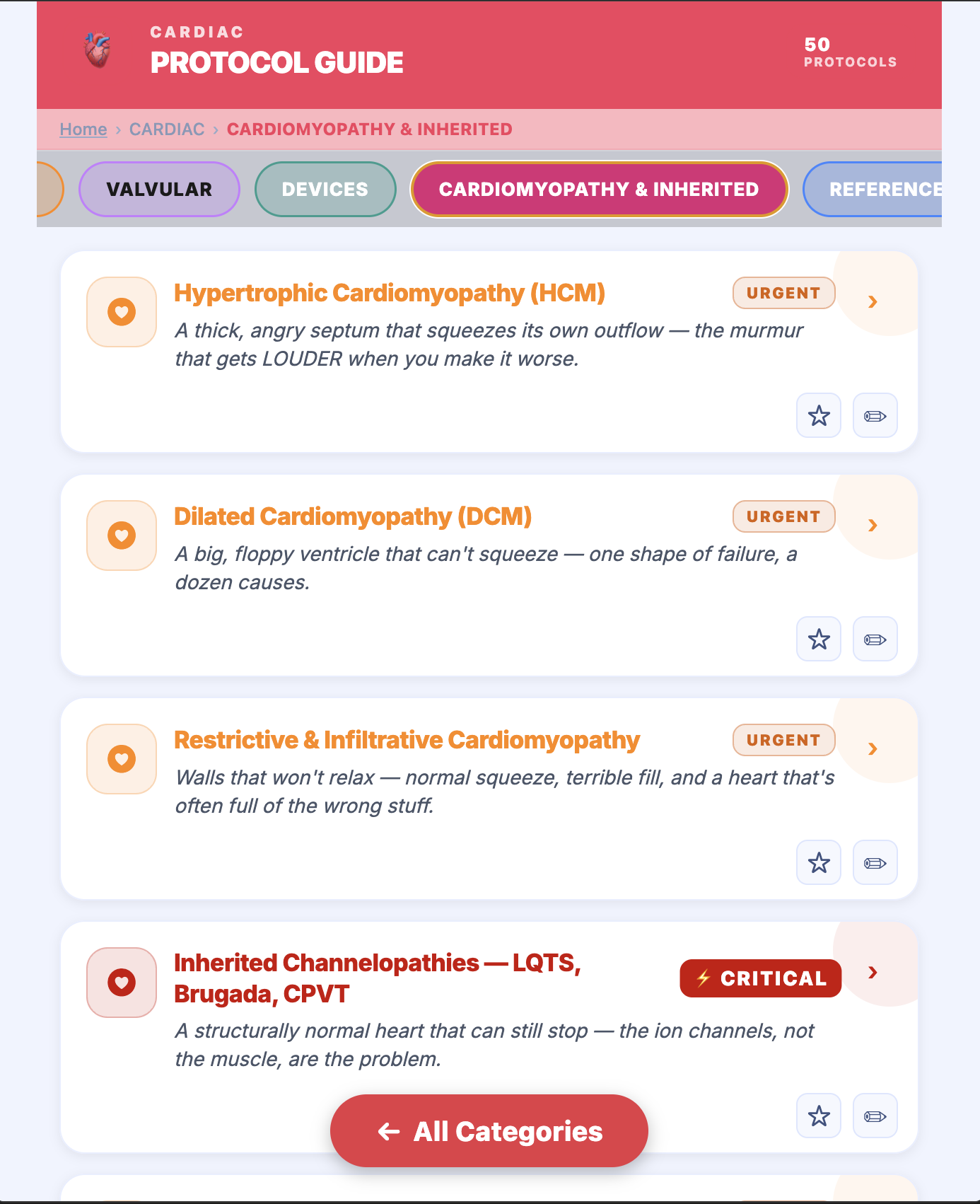
Every folder opens into tabs, so you're browsing a handful of related cards instead of scrolling one long page. Each card carries an urgency marker, so the critical items rise to the top of the list.
And each card has two reading views: a full Study view for learning the background, and a Quick view for fast recall when you just need the gist.
140+ interactive teaching tools live right inside the folders they belong to — no second app, no switching. They're built to help you learn and rehearse the frameworks, not to make a call for you.
Think of them as study aids: they walk you through the steps and show the reasoning. Always follow your facility's policy and confirm against your facility's official resources.
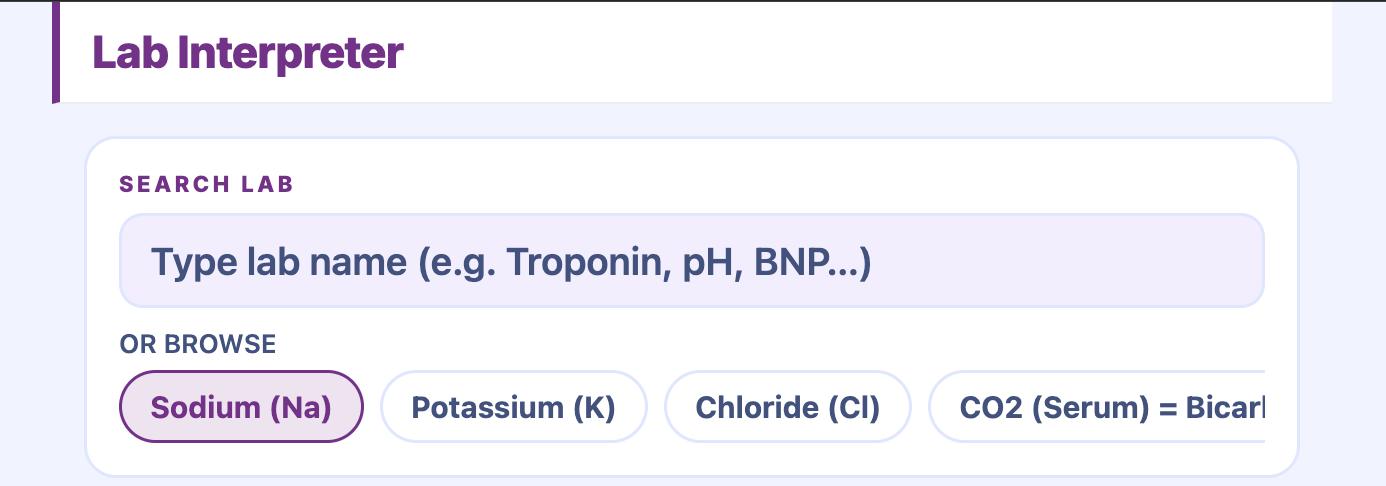
See a result in context against reference ranges — a teaching tool for building your read on the numbers.
Look up whether two IV medications are documented as compatible — a quick reference while you learn the pairs.
Work through infusion-rate math step by step — a practice aid for the calculations you'll do on shift.
GCS, NIHSS, Braden, and HIT (4T) — tap through the criteria and learn what each one is asking.
Burn-resuscitation and triage-acuity walk-throughs, built to teach the framework, not just an answer.
A megacode simulator and a rhythm-strip teaching reel to rehearse recognition between shifts.
Educational and reference use only. The reference content, educational teaching tools, and practice questions in NURDE are provided for study and general educational purposes. They are not a substitute for professional clinical judgment, institutional protocols, or a current drug reference, and content may contain errors. Never rely on NURDE for a patient-care decision — confirm every value against your facility's official resources. NURDE does not collect protected health information (PHI).
Star the cards you use, jot the notes you learn, and sign in once so it works when the signal doesn't. NURDE never collects patient data.
Pin the cards you reach for most so they're one tap from the home screen — your shortlist, your way.
Add a note to any card — a unit-specific tweak, a preceptor's tip, a reminder. Your notes and favorites stay on your device.
Signing in the first time needs a network. After that, on the installed app, your reference library loads without a connection.
NURDE never collects protected health information — nothing about a patient goes in, so there's nothing to expose.
Sign in on another device and your spaced-review progress comes with you — with one free account. Notes and favorites stay device-local.
The reference you already know doubles as NCLEX-style practice. Between shifts, work through 1,500+ questions — including Next-Gen formats like matrix, bow-tie, and cloze — each with a written rationale and spaced review so it sticks.
It's the same app, whether you're precepting a new grad, brushing up on a specialty you don't see often, or helping a student who's about to sit the exam.
NCLEX is a registered trademark of the National Council of State Boards of Nursing, Inc. NURDE is not affiliated with or endorsed by NCSBN.
NURDE is coming soon to iOS and Android. It's free to use at launch. Leave your email and we'll let you know the day it's live.